
Base64 Encoder / Decoder — Convert Text to Base64 Free
Why You Encounter Base64 Everywhere
Base64 is one of those encoding formats that developers run into constantly without always understanding why it exists. The short answer: most networked systems were designed to handle text, not binary data. Base64 is the bridge — it represents binary byte sequences using a restricted set of 64 printable ASCII characters that survive transmission across text-only protocols without corruption.
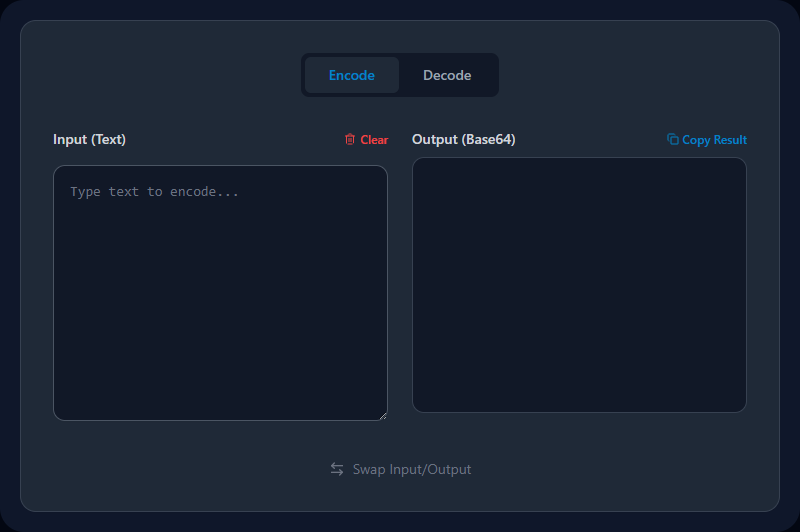
It appears in JWT tokens, email attachments, CSS data URIs, HTTP Basic Auth headers, Kubernetes secrets, and dozens of API contexts. This tool encodes or decodes in both directions, immediately, in your browser.
How Base64 Encoding Works
The character set: A–Z (26) + a–z (26) + 0–9 (10) + + and / (2) = exactly 64 characters. All are printable ASCII that transmit safely through any text protocol.
The process:
- Every 3 bytes (24 bits) of input are grouped together
- Each group is split into four 6-bit values
- Each 6-bit value maps to one of the 64 characters
=padding is added at the end if the input length isn't divisible by 3
Example: The word "Man" (3 bytes: 0x4D 0x61 0x6E) encodes to TWFu
Size trade-off: Base64 output is always approximately 33% larger than the input. Three input bytes always become four output characters.
In JavaScript:
// Encode (with Unicode support)
btoa(unescape(encodeURIComponent('Hello 👋')))

// Decode
decodeURIComponent(escape(atob('SGVsbG8g8J+Ruw==')))
The encodeURIComponent/escape wrappers handle non-ASCII Unicode that bare btoa()/atob() functions can't handle alone.
Base64 vs. Base64URL
| Standard Base64 | Base64URL | |
|---|---|---|
| Characters | A–Z, a–z, 0–9, +, / | A–Z, a–z, 0–9, -, _ |
| Padding | = characters at end | Often omitted |
| Safe in URLs | ❌ (+, / are special) | ✅ |
| Used in | Email, file encoding | JWTs, URL params |
JWT tokens use Base64URL (no padding), which is why JWT segments don't end with =. Standard Base64 for files and general encoding does use padding.
Where You'll Use This
Decoding JWT payload claims: A JWT's middle segment (the payload) is Base64URL-encoded. Paste the segment here to see user ID, roles, expiry, and all claims as readable JSON. Then use JWT Decoder for a structured view.
HTTP Basic Auth debugging: Basic authentication sends credentials as Base64(username:password). Decode the Authorization: Basic ... header value here to see the raw credentials during debugging.
Kubernetes secrets: K8s stores secret values as Base64. Running kubectl get secret my-secret -o yaml gives you Base64 values — decode them here to see the actual credentials.
Data URI images in HTML/CSS: Small icons and inline SVGs can be embedded as data:image/png;base64,.... Encoding a small image's binary data enables inline embedding without a separate file request.
API response debugging: Some APIs return binary data (files, images) Base64-encoded inside JSON responses. Decode the value to verify its content.
Config value inspection: CI/CD pipelines (GitHub Actions, GitLab CI) often store secrets as Base64-encoded environment variables.
Common Mistakes
Treating Base64 as security. Base64 is reversible by anyone without any key. It's a text-safety mechanism, not encryption. Never use it to "hide" passwords, API keys, or sensitive data — use proper encryption (AES, RSA) for that.
Forgetting padding. Some systems strip the trailing = characters from Base64 strings. If a string you're trying to decode fails, try adding one or two = characters to make the total length divisible by 4.
Using standard Base64 instead of Base64URL in JWTs. JWTs use the URL-safe variant. If you're manually handling JWT segments, use Base64URL, not standard Base64.
Encoding images that are too large. Base64 encoding a 2MB image adds ~2.7MB to your HTML or CSS. Reserve data URI encoding for small assets (small icons, dividers) where separate HTTP requests would cost more than the size overhead.
Related Developer Tools
- JWT Decoder — Decode and inspect JSON Web Token payloads (uses Base64URL)
- JSON Formatter — Format the JSON after decoding a Base64 JWT payload
- Image to Base64 — Convert image files to Base64 data URIs
- UUID Generator — Generate IDs for use in API data and config
- URL Encoder / Decoder — Encode/decode URL-safe strings
Recommended schema: SoftwareApplication + FAQPage
Related Search Queries
To help users find exactly what they are looking for, this tool is also optimized for searches like: base64 decode image, convert base64 to image.