
Why Browser-Based Tools Are the Future of File Processing
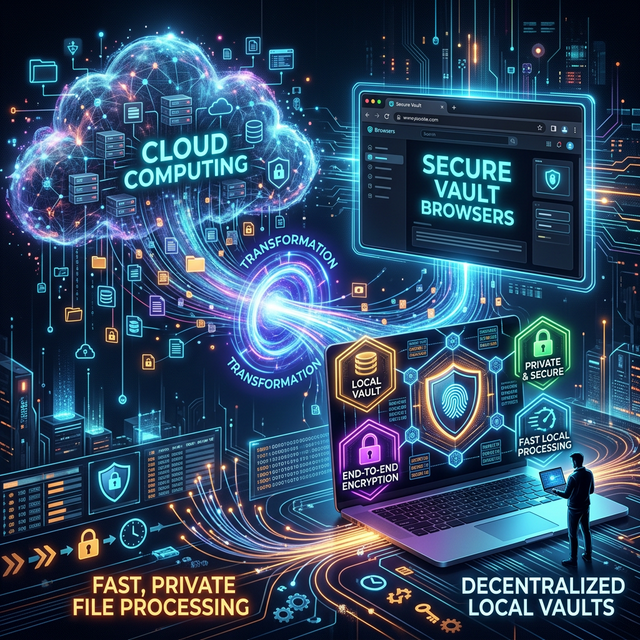
The Old Way vs. The New Way
If you've ever needed to quickly compress a large image, convert a Word document to a PDF, or merge two files together, you've likely used a free online converter tool. For the last decade, the standard process looked exactly like this:
- Search for a tool.
- Hit the "Upload" button and choose your file.
- Wait... while a heavy 50MB file uploads to a server hundreds of miles away.
- Wait... while their server processes it in a queue.
- Wait... while you download the new file back to your computer.
For years, this is just how the internet worked. But thanks to massive advancements in modern web browsers, this clunky, slow, and privacy-invading process is becoming obsolete.
The future belongs to client-side processing—or simply put, browser-based tools.
What Exactly Are Browser-Based Tools?
When we say a tool is "browser-based" or "client-side," it means the actual work—the compressing, the converting, the editing—happens right on your own device (your laptop or your phone).
The website you visit is essentially just delivering a small app directly into your browser memory. When you select a file, it never actually travels across the internet to a server. Your browser handles the entire job internally.
Here’s why this shift is completely changing the game for everyday users.
1. Absolute Privacy and Security
This is the biggest advantage, hands down.
When you upload a file to a traditional cloud converter, you lose control of it. That PDF might contain confidential business contracts, medical records, or tax documents. Even if the website promises they delete files after 1 hour, how do you really know? Data breaches happen constantly.
With browser-based tools, your files never leave your device. Because there is no upload happening, there is zero risk of your data being intercepted, stored, or sold. It is the only way to process sensitive files online securely.
2. Lightning Fast Speeds
We've all experienced the frustration of trying to upload a massive PDF while on a slow Wi-Fi connection, only for the upload to fail at 98%.
Client-side tools bypass the upload and download phases entirely. Because the file is already on your computer, the processing starts the exact millisecond you select it. Operations that used to take three minutes now take three seconds. Whether you are on gigabit fiber or a spotty 3G mobile connection, the tool works at the speed of your device's processor, not your internet speed.
3. No File Size Limits or Hidden Fees
Have you ever tried to compress a video or a large PDF, only to get a popup saying: "Your file is 55MB. Please upgrade to Pro for $9.99/month to process files larger than 50MB"?
Traditional web tools enforce these limits because server computing power and bandwidth cost money. If a million people upload 100MB files, the servers crash and the hosting bill skyrockets.
Browser-based tools don't have this problem because you are providing the computing power. Your laptop is doing the heavy lifting. Because of this, developers don't have to pay for massive server farms, meaning they can offer the tools completely free, with absolutely no arbitrary file size limits.
4. They Work Offline
This sounds like magic, but it’s true. Once you load a purely client-side tool in your browser, you can completely disconnect from the internet and the tool will still work perfectly.
Since all the necessary code has already been loaded into your browser’s memory, you can safely process sensitive documents while completely disconnected from the web, guaranteeing absolute air-gapped security.
The Catch?
Is there a downside? Only one: because your device is doing the work, the speed depends on how powerful your device is. If you are trying to run a highly complex task on a 10-year-old smartphone, it might feel a bit sluggish compared to a massive cloud supercomputer. However, for everyday tasks like merging PDFs, resizing images, and formatting text, modern phones and laptops are more than powerful enough to handle them instantly.
Try It Yourself
At ToolsHubs, our entire philosophy is built around this technology. Every single tool on our platform runs locally in your browser.
Want to see the difference for yourself? Try using our PDF Compressor or Image Resizer. Notice how there's no upload progress bar—just instant results.
Welcome to the future of the web. It's faster, it's free, and most importantly, it respects your privacy.