
Image to Base64 Converter: Encode & Decode Images as Base64 Strings
Introduction
There are moments in web development when you want to embed an image directly inside HTML or CSS without a separate file — a tiny icon, a loading spinner, a small logo. Or you're debugging an API that returns image data as a Base64 string and you need to see what it actually looks like. Or you're building an offline app that needs images bundled directly into the code.
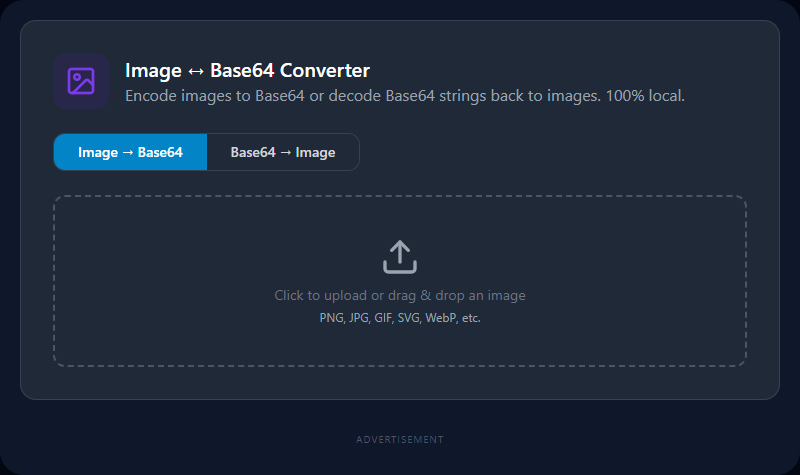
Image-to-Base64 conversion is the bridge. This tool takes any image file (PNG, JPG, GIF, WebP, SVG) and converts it to its Base64-encoded string, ready to paste anywhere. Going the other direction, paste a Base64 string and download the decoded image. All of it runs in your browser — no uploads.
Technical & Concept Breakdown
What is Base64?
Base64 encodes binary data (image bytes) as a string of 64 printable ASCII characters (A–Z, a–z, 0–9, +, /). Every 3 bytes of binary data becomes 4 Base64 characters, resulting in ~33% size overhead.
Data URI format for images:
Web browsers support embedding images directly via the data: URI scheme:
<img src="data:image/png;base64,iVBORw0KGgoAAAANSUhEUgAA...">
The format is: data:[mimetype];base64,[encoded-string]
Browser-side encoding process:
- The user uploads an image — it's read via the
FileReaderAPI. fileReader.readAsDataURL(file)converts the file directly to a Base64 data URI in one step.- The resulting
data:image/...;base64,...string is displayed — minus the prefix if raw Base64 is needed.
Browser-side decoding process:
- The user pastes a Base64 string.
- If the prefix is present, it's parsed to get the MIME type; otherwise, the tool detects the image type from the header bytes.
- The Base64 string is decoded using
atob()back to binary, then wrapped in a Blob. URL.createObjectURL(blob)creates a downloadable link.
Real-World Use Cases
Frontend Developers: Embed small icons, loading spinners, or placeholder images directly in CSS as background-image: url(data:image/png;base64,...). Reduces HTTP requests for tiny assets.
Email Template Designers: Some email clients block external image requests. Embedding images as Base64 ensures they always display, though it increases email file size.
API Debugging: REST APIs that return images as Base64 payloads (common in document generation services, camera APIs, barcode scanners) can be decoded here to verify the image content.
Offline Apps & PWAs: Embed critical images directly in JavaScript bundles or manifest files using Base64 for offline-first applications.
Documentation & Reports: Embed diagrams or screenshots directly in markdown or HTML reports as Base64 for self-contained documents.
Best Practices & Optimization Tips
Only use Base64 for small images (under 10KB). The 33% size overhead, combined with the fact that Base64-embedded images can't be cached by the browser separately, makes it inefficient for large images. For large images, always use normal <img src="url"> with a separate file.
Compress the image first. Before Base64-encoding, run the image through an image compressor to minimize the source file size. Smaller binary = shorter Base64 string.
Use SVG for icons and logos when possible. SVG files are XML text — they don't need Base64 encoding. You can embed them directly in HTML as inline <svg> code, which is more readable and compresses better than Base64 PNG.
Strip the data URI prefix if you only need the raw Base64 string. Different systems expect different formats — some want the full data:image/png;base64,... prefix, others want just the Base64 characters starting with iVBOR....
Limitations & Common Mistakes
Base64 image strings are very long. A 50KB PNG becomes an 82+ KB Base64 string. Storing these in databases or logs can bloat storage quickly.
CORS policies don't affect Base64 embedded images. This is actually an advantage — external image URLs can be blocked by Content Security Policy rules, but Base64-embedded images are treated as part of the document itself.
GIF animation is preserved in Base64 encoding — the full animated GIF binary is included in the string, and modern browsers play the animation from a Base64 data URI.
Very large images may be slow to encode due to the FileReader API processing the entire binary in the browser's main thread. Images over 5–10MB can cause a brief pause.
Related Search Queries
To help users find exactly what they are looking for, this tool is also optimized for searches like: image to base64 converter, base64 encode image, convert image to base64.