
JSON Validator & Formatter — Validate and Pretty-Print JSON Online
Why Every Developer Needs a JSON Validator
JSON (JavaScript Object Notation) has quietly become the lingua franca of the modern web. REST APIs, configuration files, database documents, webhooks, analytics event streams — they all speak JSON. And JSON is deceptively easy to break.
A single misplaced comma, an unquoted key, or a trailing bracket can silently corrupt your data exchange. Unlike HTML, which browsers try to recover from, a JSON parser will simply throw an error and return nothing. Your application breaks, your UI shows nothing, and debugging starts from scratch.
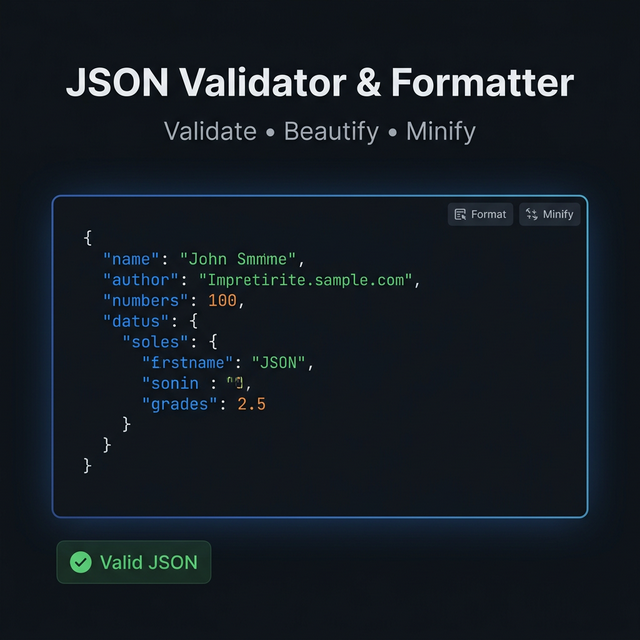
Our JSON Validator instantly tells you whether your JSON is syntactically valid — and if it isn't, it points to the exact location of the error.
What Makes JSON Invalid
Understanding JSON's strict rules helps you write it correctly from the start:
Keys must be double-quoted strings. {name: "Alice"} is not valid JSON — {"name": "Alice"} is.
No trailing commas. Many languages allow trailing commas in arrays and objects; JSON doesn't. [1, 2, 3,] causes a parse error.
Strings must use double quotes. Single quotes (') are not valid JSON string delimiters.
Numbers cannot have leading zeros. 007 is not valid; 7 is.
undefined is not a valid value. Only null, booleans, numbers, strings, arrays, and objects are valid JSON values.
No comments. JSON doesn't support // or /* */ comments, despite how readable they'd make config files.
What the Formatter Does
When you paste valid JSON into the formatter, it processes your code through these steps:
- Parse: The JSON string is parsed into a structured in-memory object using the browser's native
JSON.parse(). - Stringify with indentation:
JSON.stringify(obj, null, 2)re-serializes the object with 2-space indentation, proper line breaks, and consistent key ordering within each level. - Colorize (optional): A syntax highlighter marks strings in one color, numbers in another, nulls, booleans, and keys — making deeply nested structures readable at a glance.
The result is clean, consistently indented JSON that a human can actually read and navigate.
Minifying JSON
The reverse operation — minifying — strips all whitespace and newlines to produce the most compact representation. A formatted 10KB JSON file might minify down to 3KB. This matters for:
- API payloads: Smaller bodies mean less bandwidth and faster response times.
- Embedding in HTML: Inline JSON data attributes or script tags should be minified.
- Storage: When storing JSON in a database or cache, whitespace is wasted bytes.
Real-World Use Cases
Debugging API responses: Paste a raw API response from Postman, curl, or browser DevTools to instantly make it readable.
Validating generated JSON: If your code generates JSON strings dynamically, validate them before they reach your backend or database.
Config file verification: Check your package.json, tsconfig.json, .eslintrc.json, or any other config file for syntax errors before committing.
Transforming data: Paste a minified production payload and format it for readability during incident investigation.
Code review preparation: Format JSON test fixtures and expected outputs so they read clearly in pull request diffs.
Privacy & Processing
Your JSON data may contain sensitive information — API keys embedded in configs, user data from API responses, or proprietary data structures. Our tool processes everything 100% locally using your browser's built-in JavaScript engine. No data is sent to any server. You can use this tool completely offline.
Related Tools
- CSV to JSON Converter — Convert spreadsheet data to JSON format
- YAML to JSON Converter — Convert between YAML and JSON formats
- Diff Checker — Compare two JSON versions to find exactly what changed
- URL Encoder/Decoder — Decode URL-encoded JSON strings
Recommended schema: SoftwareApplication + FAQPage