
QR Code vCard Generator
QR Code vCard Generator: The Modern Business Card
The traditional paper business card has served networking professionals well for decades, but in an increasingly digital and fast-paced world, it is showing its age. Paper cards require manual data entry, they are easily lost or thrown away, and printing them incurs recurring costs and environmental impact.
Enter the digital vCard. Our free QR Code vCard Generator allows you to instantly encode your professional contact information into a universally readable QR code format. When scanned by any modern smartphone, it bypasses the manual typing entirely, prompting the user to save your contact directly into their phonebook.
What is a vCard?
A vCard (Virtual Contact File, denoted by the .vcf extension) is a standardized electronic format for exchanging personal and business contact information. Think of it as a digital Rolodex entry.
Developed in the mid-1990s, the vCard standard can store a wealth of structured data, including:
- First, last, and middle names
- Job titles and organizational affiliations
- Multiple phone numbers (mobile, work, home)
- Multiple email addresses
- Physical addresses (both home and office)
- Website URLs and social media profiles
Because it is an open industry standard, a vCard generated on one system is seamlessly understood by virtually every email client, contact management software, and mobile operating system (iOS and Android) in the world.
Why Use a QR Code for Your vCard?
While you can attach a .vcf file to an email, sharing it in person used to be difficult. QR (Quick Response) codes bridge the physical-to-digital gap effortlessly.
By using our tool to generate a QR Code that contains raw vCard text data, you create a frictionless networking experience.
The Problem With Traditional Networking
When you hand someone a paper business card at a conference, the burden of action is on them. They must remember to take the card out of their pocket later, open their phone's contacts app, manually type in your tricky-to-spell last name, double-check your 10-digit phone number for typos, and type out your email address. Most people never bother, resulting in lost networking opportunities.
The Frictionless QR Solution
When you present a vCard QR code on your phone screen (or printed on a physical badge):
- The recipient opens their smartphone camera (no special app required).
- They point it at the QR code.
- The phone recognizes the structured vCard data instantly.
- A prompt appears: "Add Contact."
- With one tap, your name, number, email, and company are perfectly saved in their address book.
Zero typing. Zero typos. Zero lost cards.
How to Best Use Your vCard QR Code
Generating the QR code is only the first step. Here is how you can deploy it effectively to maximize your networking potential.
1. The "Digital-Only" Approach
Save the generated PNG image of your QR code directly to your phone's photo gallery, or better yet, make it your lock screen wallpaper during a major industry conference. When someone asks for your card, simply hold up your phone.
2. The Hybrid Approach: Upgrade Your Paper Cards
Paper cards still hold cultural significance in many industries. You don't have to abandon them entirely. Instead, print your vCard QR code on the back of your traditional paper business cards. This provides the recipient with the tactile feel of a premium card, while offering the frictionless digital import option.
3. Email Signatures and Resumes
Add the QR code to the bottom of your professional email signature, or place it neatly in the header of your digital PDF resume. This allows recruiters or clients to quickly grab your contact info without having to copy-paste multiple fields.
4. Presentation Slides
If you are giving a presentation or speaking at a seminar, include your vCard QR code on the final "Thank You / Q&A" slide. Encourage the audience to scan it right from their seats if they want to connect with you later.
Using Our Generator Safely and Privately
When dealing with personal data like your direct phone number and email address, privacy should be your top concern. Many "free" QR code generators online actually upload your contact data to their servers, store it in a database, generate a tracking link, and create a "Dynamic" QR code that simply points to that URL. They use your data for marketing or charge you a subscription fee to keep the link active.
Our QR Code vCard Generator is fundamentally different.
We focus on generating Static QR Codes.
- 100% Client-Side: The application utilizes JavaScript to build the vCard text string and encode it visually into the QR matrix entirely inside your web browser.
- No Data Uploads: Your name, phone number, and email are never sent to our servers. We do not track you, and we do not store your contacts.
- No Expiration Dates: Because a static vCard QR code contains the actual raw text data (rather than a link to a website), it will never expire. It will work flawlessly 10 years from now, with no subscriptions or tracking scripts attached.
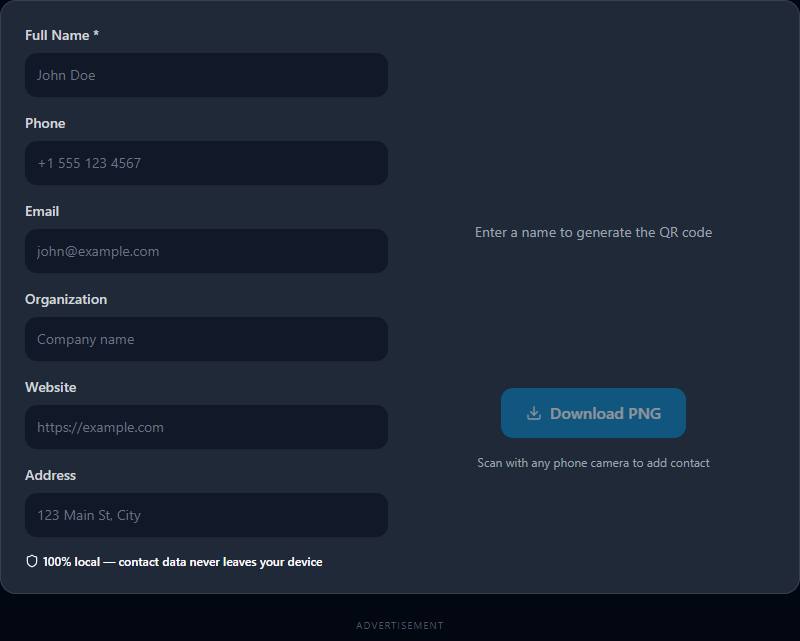
Simply fill in your details, watch the code generate instantly in real time, and click "Download PNG" to secure your modernized business card.
Related Search Queries
To help users find exactly what they are looking for, this tool is also optimized for searches like: vcard qr code generator, qr code vcard format.