
Remove PDF Password — Unlock PDF Files Free, No Upload
The Password That's Now In Your Way
You protected a PDF months ago — now you need to merge it, compress it, or share it with a colleague who doesn't need the password friction. You know the password. You just want an unlocked version to work with.
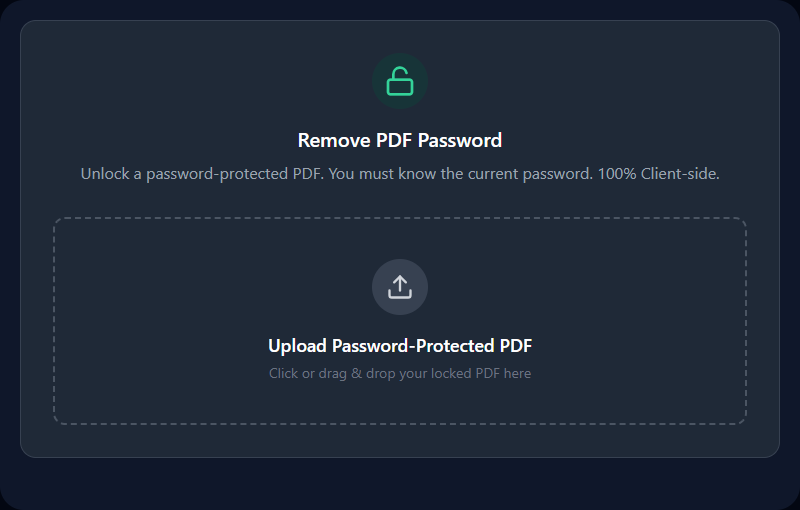
This tool removes the password from any PDF you're authorized to access. Enter the password you already know, and download a clean, unprotected copy — processed entirely in your browser. Your document never leaves your device.
What "Remove Password" Actually Does
PDF encryption scrambles the document's content using AES (Advanced Encryption Standard). The password isn't stored in the file — it's used to derive the decryption key. When you enter the correct password:
- The decryption key is derived from your password using the same algorithm that locked the file
- The document content is decrypted in your browser's memory
- A new PDF is assembled without the encryption layer
- That unprotected PDF is downloaded to your device
The result is the original document content in a standard, unencrypted PDF.
Two Types of PDF Protection
User Password (Open Password) — Blocks anyone from opening the file without the password. This tool removes this type of protection after you enter the password.
Owner Password (Permissions Password) — Allows the document to open freely, but restricts certain actions (printing, copying text, editing). Some of these PDFs can be unlocked without any password at all, since the viewing isn't restricted — only certain actions are.
If your PDF opens without a password but you can't print or copy text, that's an Owner Password restriction. Many of these open freely in this tool without requiring any input.
When You Need This
Merging protected documents: Merge PDF and Split PDF can't process encrypted files. Remove the password, run your workflow, then re-protect with Protect PDF if needed.
Compressing encrypted PDFs: PDF Compressor needs to rasterize pages — encryption prevents access. Unlock first, compress, then optionally re-encrypt.
Sharing with teammates: A client sent a protected document with the password in a separate message. Unlock it before distributing internally so colleagues don't manage individual password prompts.
Archiving old documents: Encrypted files in long-term archives can become inaccessible if passwords are lost. Unlocking while you still have the password and storing the plaintext version (in a secure location) is sensible archiving practice.
Editing content: PDF editors require unencrypted files. Remove the password before opening in an editing workflow.
After Unlocking: Important Steps
Delete the unlocked copy when done, if security matters. If you only needed to process the file temporarily, don't leave an unencrypted version of a sensitive document on your desktop indefinitely.
Re-protect if redistributing. If the original document was sensitive and you're sharing the unlocked version externally, re-apply password protection with Protect PDF before sending.
Keep the original encrypted file. Before downloading the unlocked version, confirm you still have the password-protected original somewhere safe.
Limitations
You must know the password. This tool decrypts using the password you provide — it doesn't crack encryption. AES-256 is computationally infeasible to brute-force. If you don't know the password and you're the rightful owner of the document, check prior emails, password managers, or contact whoever encrypted the file.
Don't use this for unauthorized access. This tool requires the correct password — it's designed for legitimate owners and authorized users managing their own documents. Using it on documents you're not authorized to access is a legal and ethical violation.
Corrupted PDFs may fail to decrypt. Even with the correct password, a damaged file may not decrypt cleanly. The underlying structure must be intact.
The unlocked PDF has no access restrictions. Anyone who receives the output file can open it freely. Be intentional about where you store and share the unlocked version.
Related PDF Tools
- Protect PDF — Re-add password protection after processing
- Merge PDF — Combine unlocked PDFs into one document
- Split PDF — Extract pages from unlocked files
- PDF Compressor — Compress unlocked PDFs before sharing
Recommended schema: SoftwareApplication + FAQPage