
Speech to Text: Real-Time Voice-to-Text Transcription
1. Introduction
Typing can be slow, tedious, and physically demanding. Whether you're a writer fighting writer's block, a student transcribing a lecture, or a professional needing to take quick notes during a brainstorming session, "Speech to Text" technology offers a faster, more natural way to capture ideas.
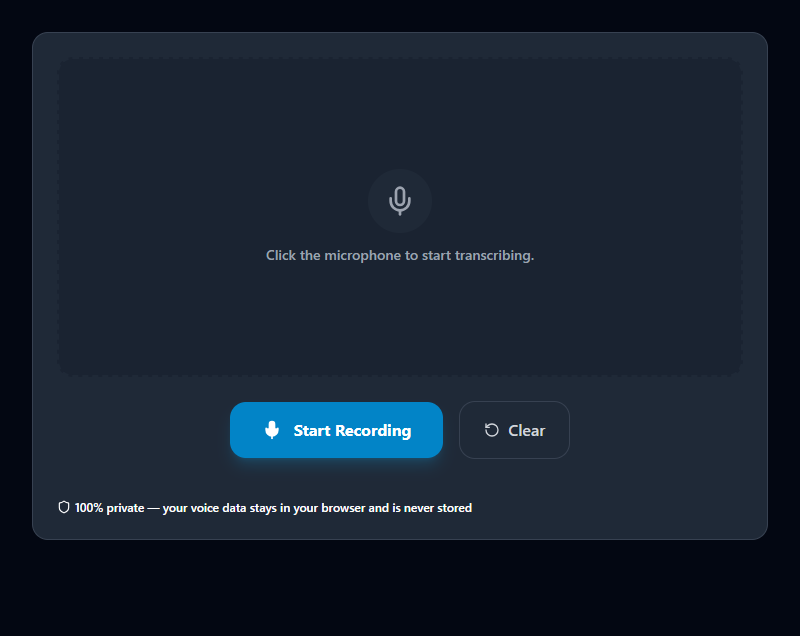
The ToolsHubs Speech to Text utility provides a robust, real-time transcription experience directly in your browser. By leveraging the Web Speech API, we provide a "dictation" interface that is always ready. Unlike cloud-based transcription services that may store your audio for training, our tool processes your voice data locally using your browser's built-in engine. Your personal thoughts and confidential conversations are never uploaded to our servers, ensuring total privacy.
2. Technical & Concept Breakdown
The Engine: This tool utilizes SpeechRecognition (often known as webkitSpeechRecognition in Chrome/Edge). This API connects to the native speech recognition service on your device or the high-performance recognition engine integrated into your browser.
- Continuous Listening: The tool is designed to keep listening even as you take short pauses to think, aggregating the results into a single flowing transcript.
- Interim Results: You'll see the text appear almost instantly as you speak, with "interim" guesses being refined and finalized as you complete each phrase.
- Permission-Based: For security, the browser will always ask for your explicit permission to access the microphone before recording begins. You can revoke this permission at any time.
The accuracy of the transcription depends on several factors: the quality of your microphone, the amount of background noise, and your internet connection (since some browsers perform the heavy-duty recognition on their own secure backend servers).
3. Real-World Use Cases
Fast Drafting: Many writers find they can "talk" their first draft much faster than they can type it. Use this tool to get your thoughts down on the page quickly, then edit the text afterward.
Accessibility & Inclusion: For users with motor impairments or conditions like carpal tunnel syndrome, voice typing is a life-changing alternative to traditional keyboards.
Interview Transcription: Play back a clear audio recording near your microphone to get a rough first draft of an interview or meeting transcript, saving hours of manual work.
Hands-Free Note Taking: Capture ideas while you’re cooking, walking, or doing other tasks where your hands are busy but your mind is working.
4. Best Practices & Optimization Tips
Speak Clearly and Naturally: You don't need to speak like a robot, but clear enunciation and a steady pace will significantly improve the accuracy of the transcription.
Use a Good Microphone: The built-in microphone on most laptops is decent, but a dedicated headset or USB microphone will provide much better results, especially in noisy environments.
Dictate Punctuation: Most recognition engines allow you to speak punctuation marks. Try saying "period," "comma," "question mark," or "new line" to see them appear in your text.
Edit Afterwards: No speech recognition is perfect. Treat the output as a very fast "rough draft" that you should quickly review for missed words or homophones (e.g., "their" vs "there").
5. Limitations & Common Mistakes
Background Noise: Recognition accuracy drops sharply in loud environments. For best results, use the tool in a quiet room.
Browser Support: Currently, the Speech Recognition API is most robustly supported in Google Chrome and Microsoft Edge. Users on Firefox or Safari may experience limited functionality until those browsers fully adopt the standard.
Microphone "Lock": Only one application can use the microphone at a time. If you are on a Zoom call or using another recording app, you may need to close it before this tool can start listening. Always check the "Address Bar" icon if the microphone doesn't seem to be picking up your voice.
Related Search Queries
To help users find exactly what they are looking for, this tool is also optimized for searches like: speech to text tool, speech to text examples.