
Unix Timestamp Converter — Convert Timestamps to Human Dates Instantly
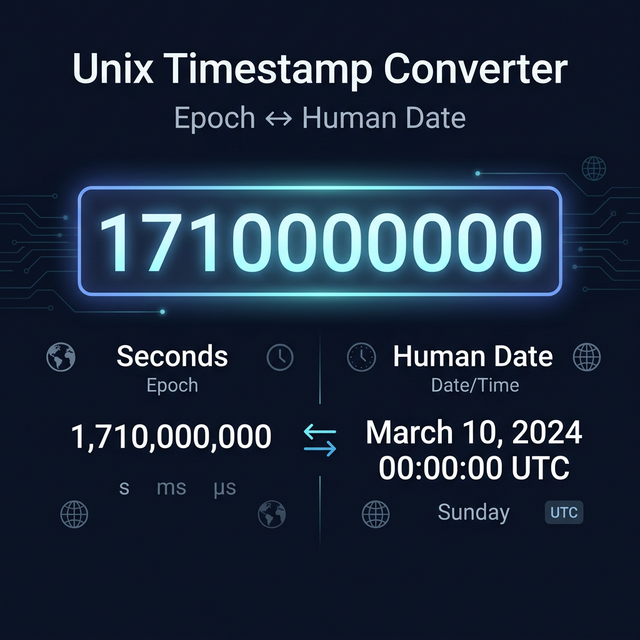
What Is a Unix Timestamp?
A Unix timestamp (also called epoch time or POSIX time) is the number of seconds that have elapsed since January 1, 1970, 00:00:00 UTC — an arbitrary but universally agreed-upon reference point known as "the Unix epoch."
As of right now, the Unix timestamp is a 10-digit number (e.g., 1710000000). In about 2286 AD, it will become an 11-digit number. In 2038, 32-bit systems storing this as a signed integer will overflow — a problem known as the Y2K38 bug.
Timestamps are the backbone of how computers store and transmit time because they are:
- Timezone-agnostic (always UTC-based)
- Simple to compare (just subtract two numbers to get a duration in seconds)
- Compact (a single integer vs. a formatted string)
- Unambiguous (no AM/PM confusion, no locale-specific date formats)
Seconds vs. Milliseconds
One persistent confusion in timestamp work is whether a value is in seconds or milliseconds:
| Format | Example | Used By |
|---|---|---|
| Seconds | 1710000000 (10 digits) | Unix/POSIX standard, most server logs |
| Milliseconds | 1710000000000 (13 digits) | JavaScript Date.now(), Java, most browser APIs |
| Microseconds | 1710000000000000 (16 digits) | Python's time.time(), some databases |
Our converter auto-detects which format you're using based on the number of digits and converts accordingly.
Common Timestamp Operations
Get the current timestamp: The converter shows the current Unix timestamp live, updating every second. Useful for quickly grabbing a "now" value for testing or logging.
Date to timestamp: Enter a specific date and time (with timezone) and get the exact Unix timestamp. Essential for setting expiry times, scheduling events, and writing test data.
Timestamp to date: Paste any timestamp and see the full ISO 8601 date-time string, your local time, and UTC time simultaneously.
Relative time: See how far in the past or future a timestamp is from right now — "3 hours 42 minutes ago", "in 2 days, 14 hours".
Timezone Handling
Timestamps themselves are always UTC. The display timezone only affects how you read the human-formatted output — not the underlying numbers. Always convert to UTC before storing, and only apply local timezone formatting at the presentation layer.
Real-World Developer Scenarios
Debugging log timestamps: Server logs often include Unix timestamps. Paste one to instantly know when an error occurred without mental math.
Setting token expiration: JWTs, API keys, and session tokens use Unix timestamps for exp (expiry) claims. Calculate exactly what timestamp represents "90 days from now."
Database queries: Filter records by timestamp range — "Give me all rows where created_at is between timestamp X and timestamp Y."
Scheduled jobs: Cron jobs, delayed task queues, and event schedulers often accept Unix timestamps. Verify your scheduled time is correct before deploying.
Cross-timezone communication: Convert "3pm EST on Thursday" to a UTC timestamp that unambiguously represents the same moment regardless of the receiver's timezone.
Related Tools
- Cron Expression Generator — Build cron schedules using precise timing
- Date Difference Calculator — Calculate days/hours between two dates
- JSON Validator & Formatter — Format API responses containing timestamps
Recommended schema: SoftwareApplication + FAQPage